Disabling HSTS for a specific domain in Chrome
Disabling HSTS for a specific domain in Chrome
July 21, 2021
Note
This post may be partially machine- or AI-translated. If there is any discrepancy, the Korean version takes precedence.
Note
This post might be outdated and some links might not be available.
This post explains how to disable HSTS for a specific domain.
It was written using Chrome 91.0.4472.114.
- This does not apply when the domain is
preloaded, such as withStrict-Transport-Security: ...; preload.
Disable HSTS
- Enter
chrome://net-internals/#hstsin Chrome’s address bar. - Enter the domain to disable under
Delete domain security policies, then click Delete. - Done

Before disabling
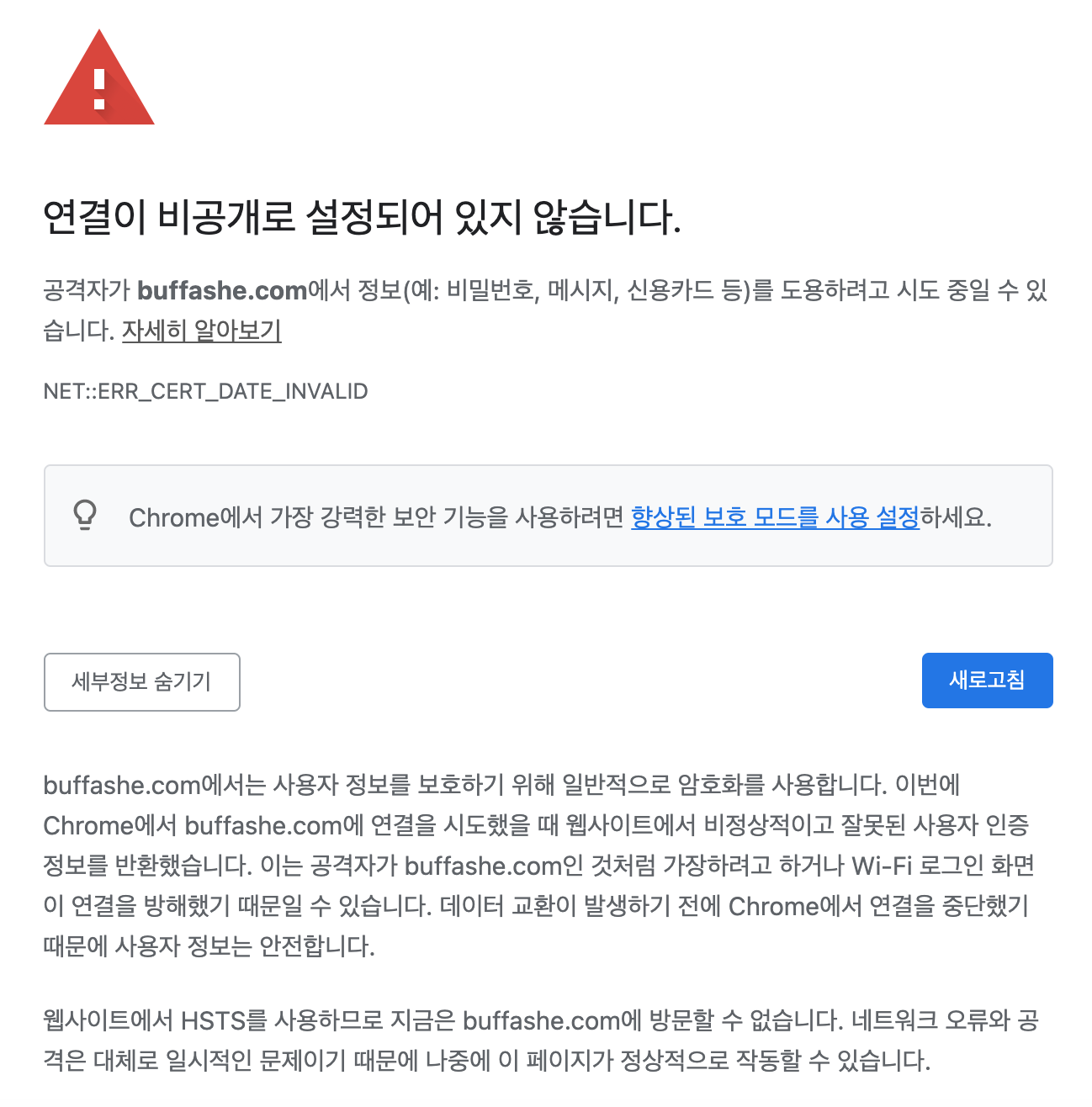
After disabling
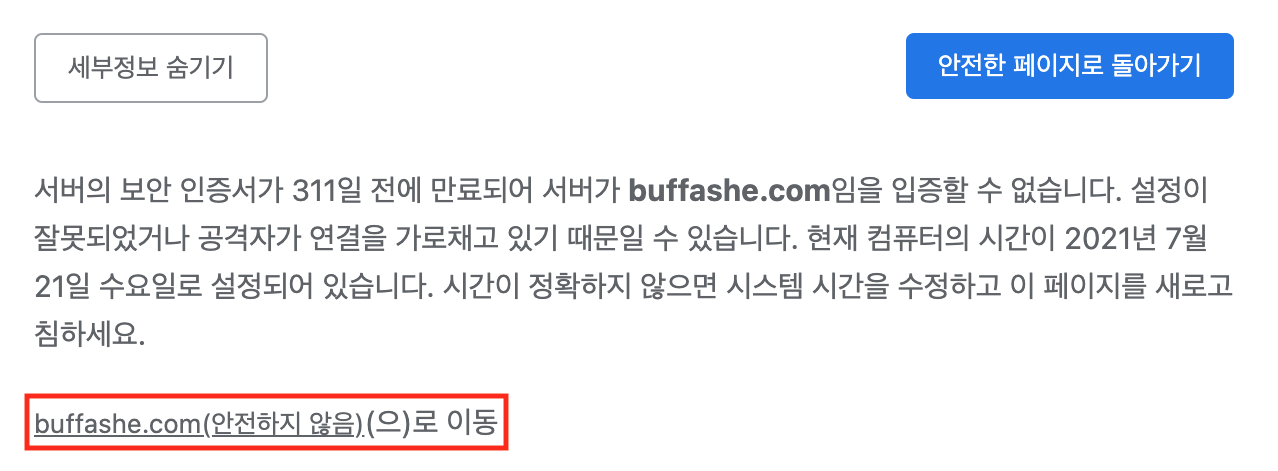
You can confirm that the Proceed to [site] (unsafe) button appears.
Check whether the domain is preloaded
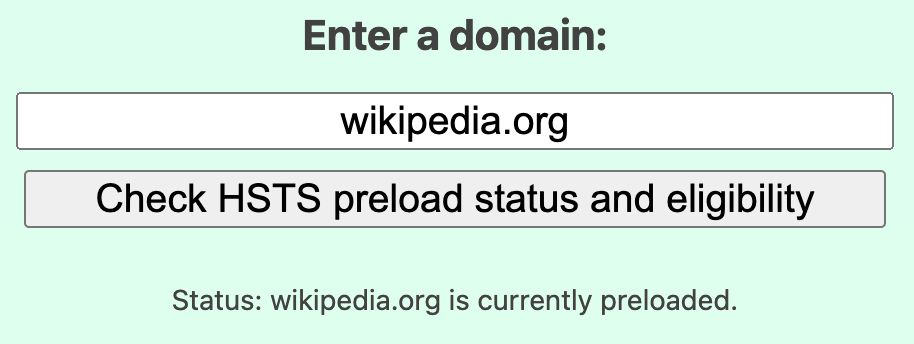
Domains submitted to the HSTS Preload List cannot be disabled because Chrome includes the list internally.
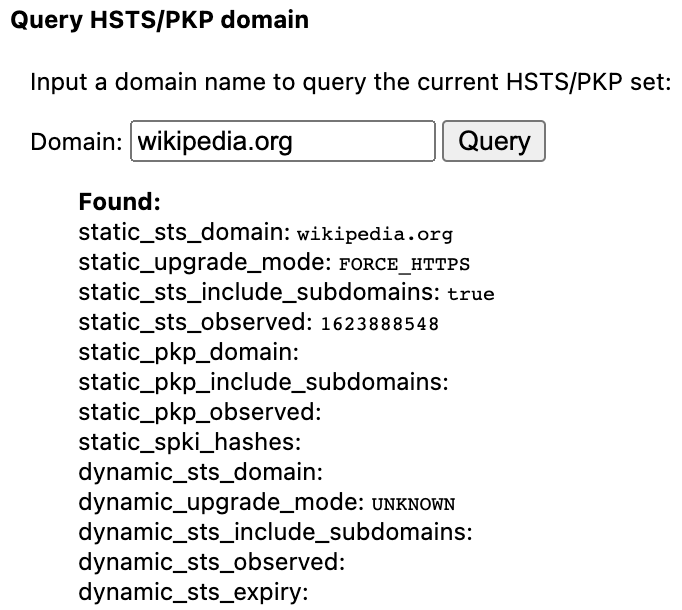
Preloaded domain (wikipedia.org)
HSTS Preload List lookup result
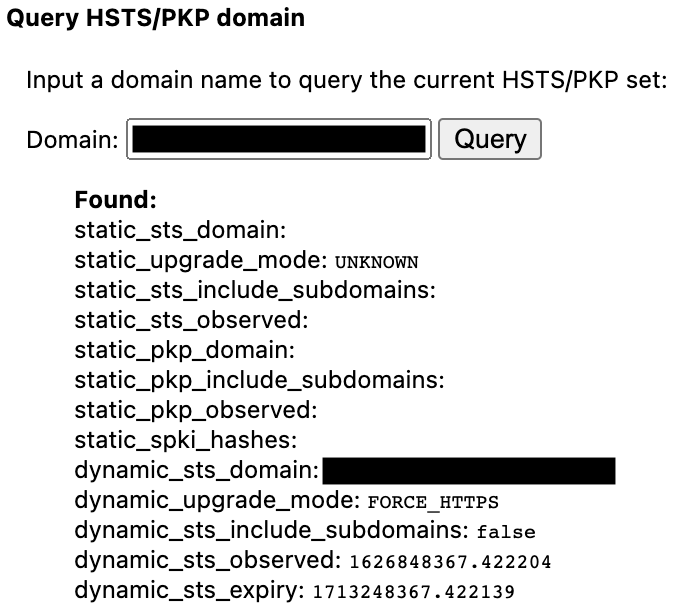
Query result in chrome://net-internals/#hsts
Domain with only the header set (can be disabled)
Last updated on