iPhone disconnecting on macOS
iPhone disconnecting on macOS
February 25, 2020
Note
This post may be partially machine- or AI-translated. If there is any discrepancy, the Korean version takes precedence.
Note
This post might be outdated and some links might not be available.
I am using a MacBook Pro (Retina, 15-inch, Mid 2015), macOS 10.15.3, and an iPhone Xs.
This is a fix for when an iPhone connected to a Mac over USB is not recognized properly and rapidly connects and disconnects.
Run a terminal command
Applications - Utilities - Terminal
Open Terminal from the path above.
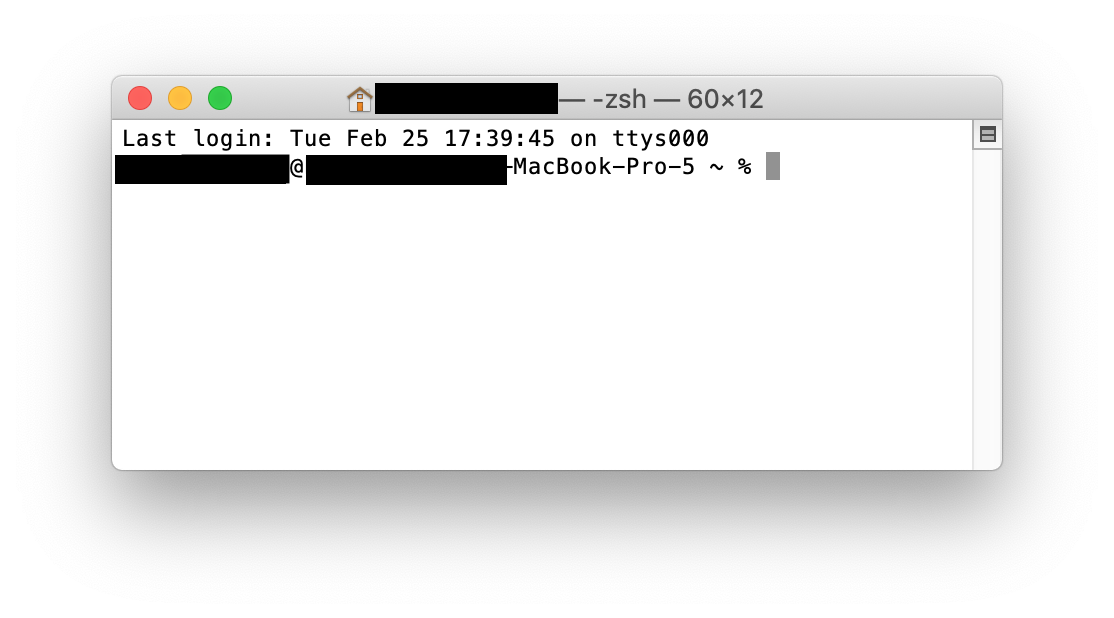
Enter the following command in Terminal.
% sudo killall -STOP -c usbdAt the password prompt, enter your macOS user password.
(The password is not shown on screen, so type it and press Enter.)
buffashe@buffashe-MacBook-Pro ~ % sudo killall -STOP -c usbd
Password:
Last updated on