Windows 10 Ubuntu 0x80070422 error
Windows 10 Ubuntu 0x80070422 error
January 29, 2020
Note
This post may be partially machine- or AI-translated. If there is any discrepancy, the Korean version takes precedence.
Note
This post might be outdated and some links might not be available.
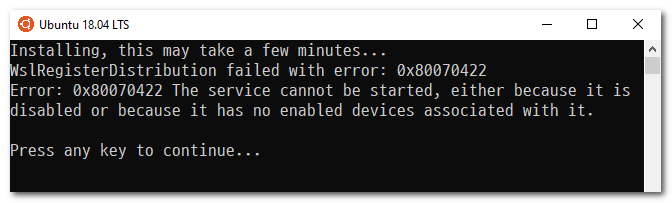
While using Ubuntu 18.04 LTS on Windows 10 version 1909, I ran into error 0x80070422.
This is known to happen when the LxssManager service is not started.
Solution
Open Command Prompt as administrator and enter the following command.
sc config LxssManager start=auto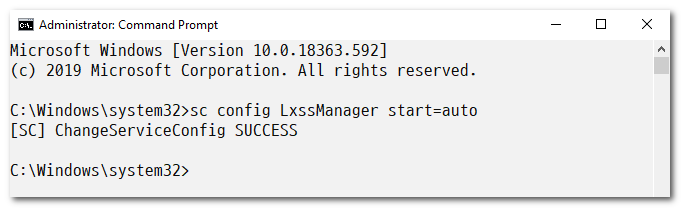
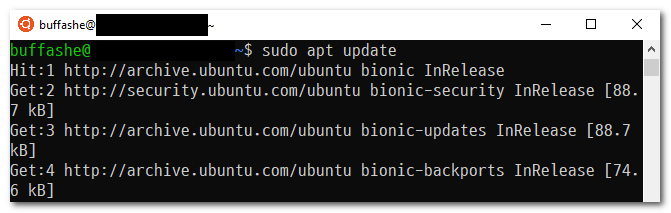
You can confirm that Ubuntu 18.04 LTS starts normally.
Last updated on